White Background Before & After
Inspect white-background edits by challenge: fabric edges, bag straps, glass reflections and portrait hair. Compare Standard and Quality with full-size originals.
No signup · Preview up to 480px
Inspect results by editing challenge
Choose the type of edge or surface that matters to your photo. Compare both modes, open the source files and inspect the known problems.
Background removal · Start here for product photos
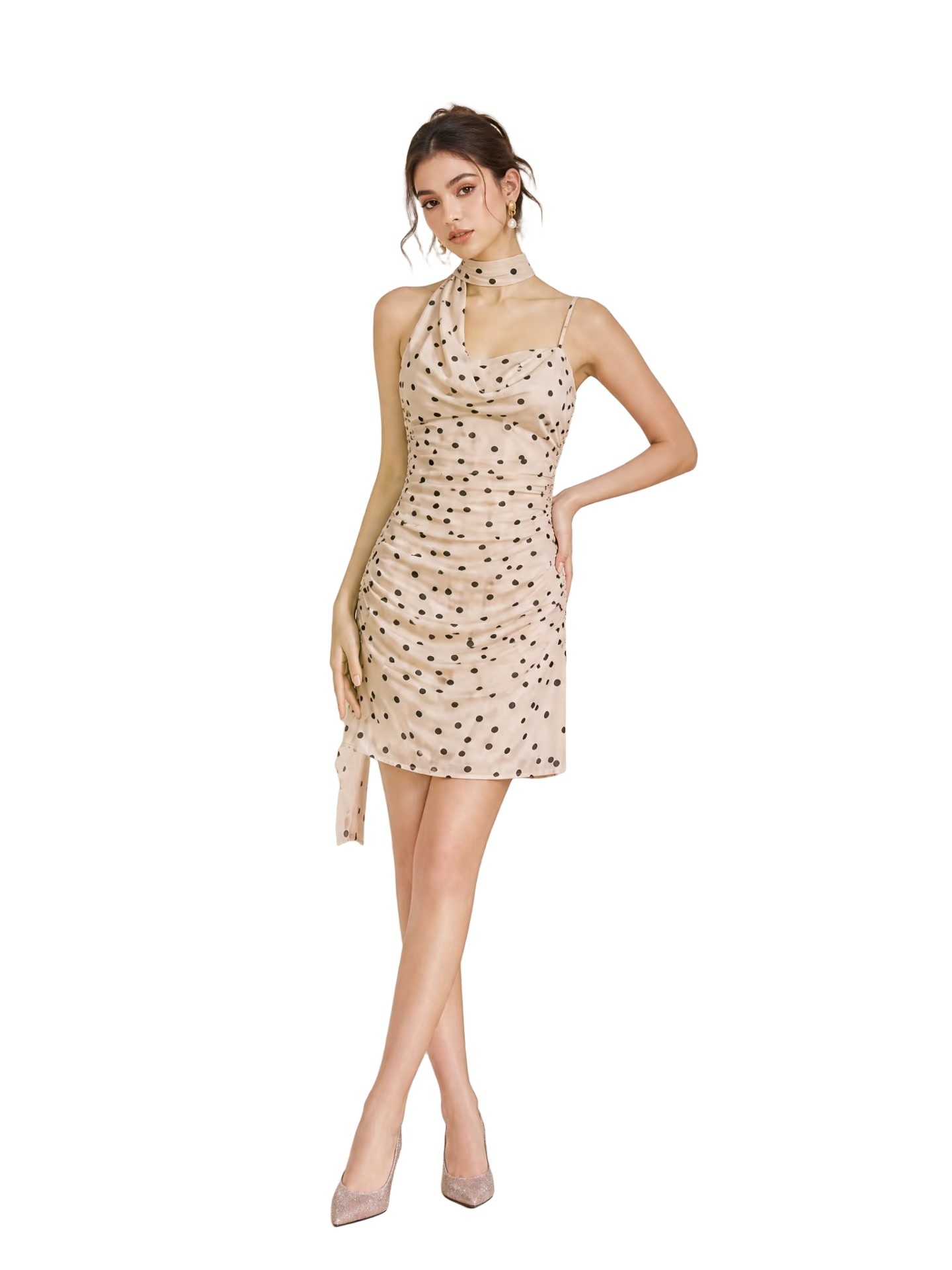
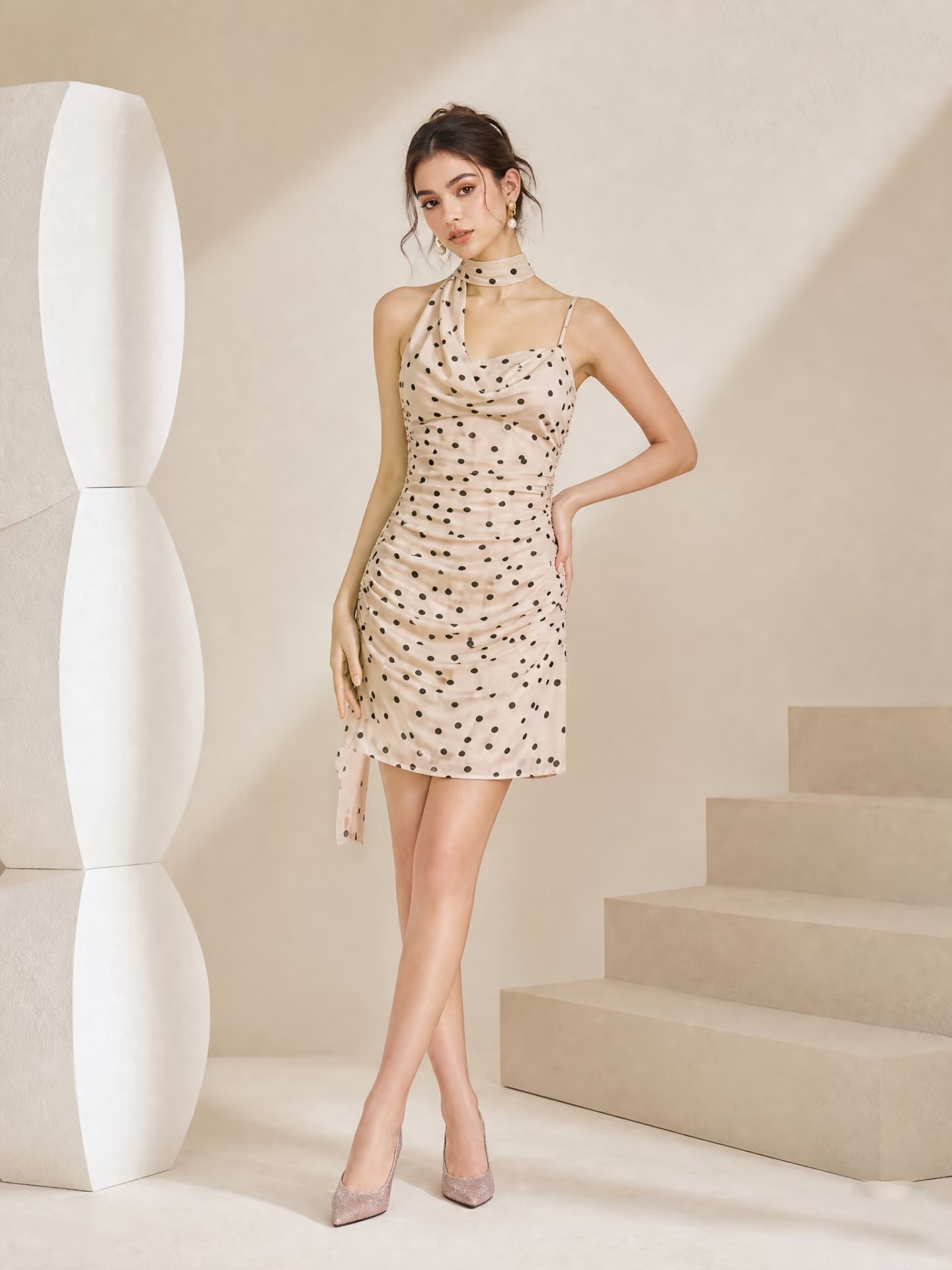
Apparel: fabric and fine edges
Check buttons, fabric outlines and whether every item in a clothing set is retained.
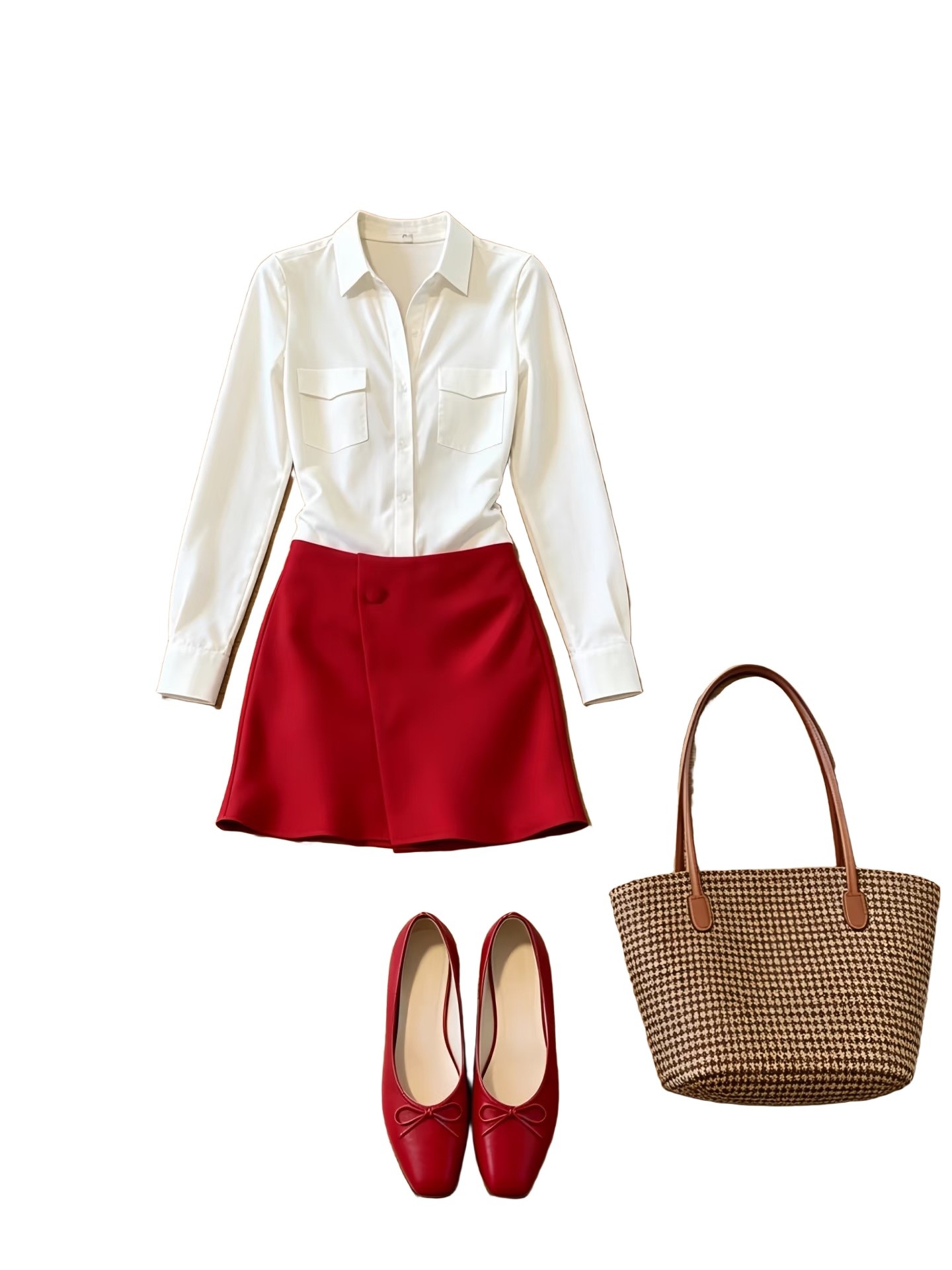
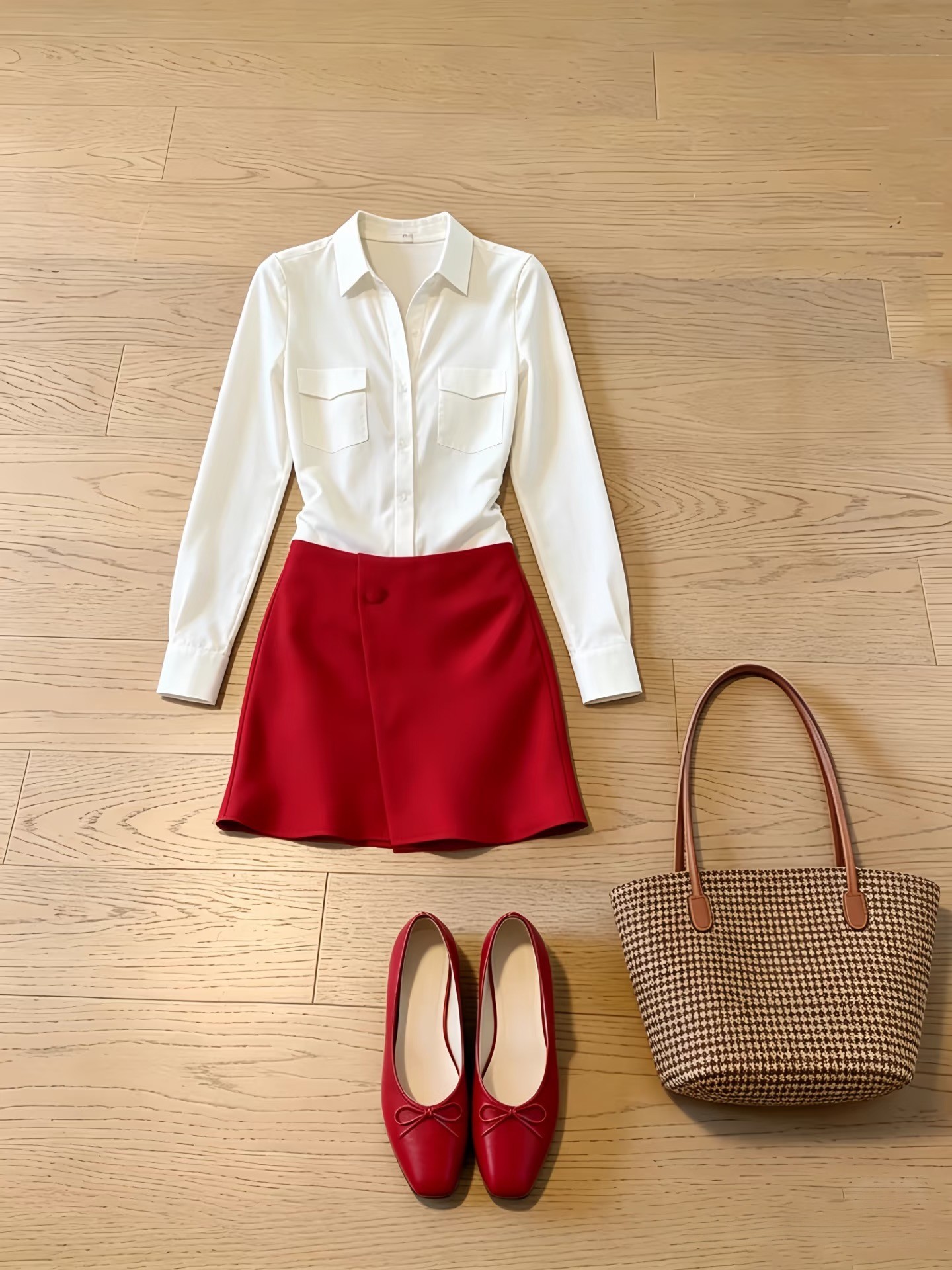
Clothes · Standard mode
No manual retouching · Processed 2026-11-11 with Standard
Output: 1440 × 1920px · JPG · Original ratio
All the visible clothing, shoes and bag are retained in this Standard example. Compare buttons and fabric edges. The Quality example also has shadows; these examples do not establish pixel-perfect fidelity.
Accessories: straps and touching objects
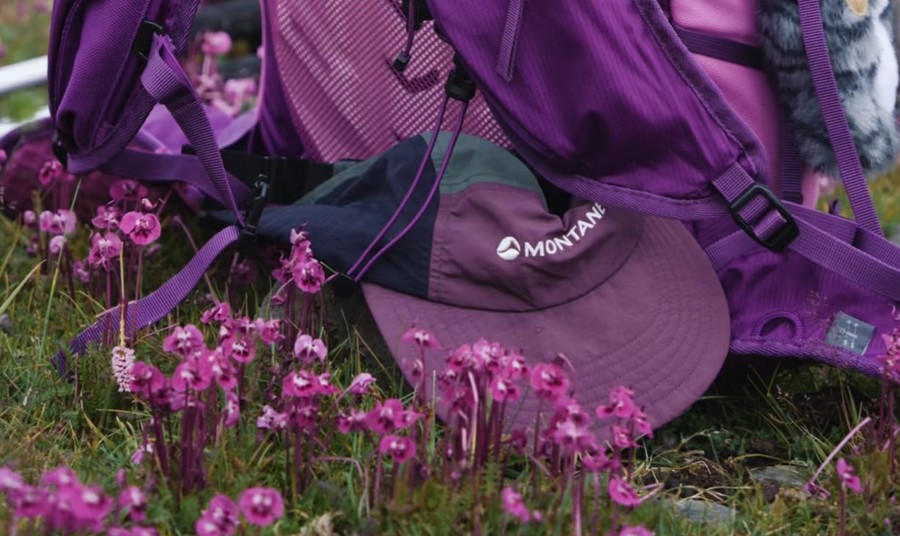
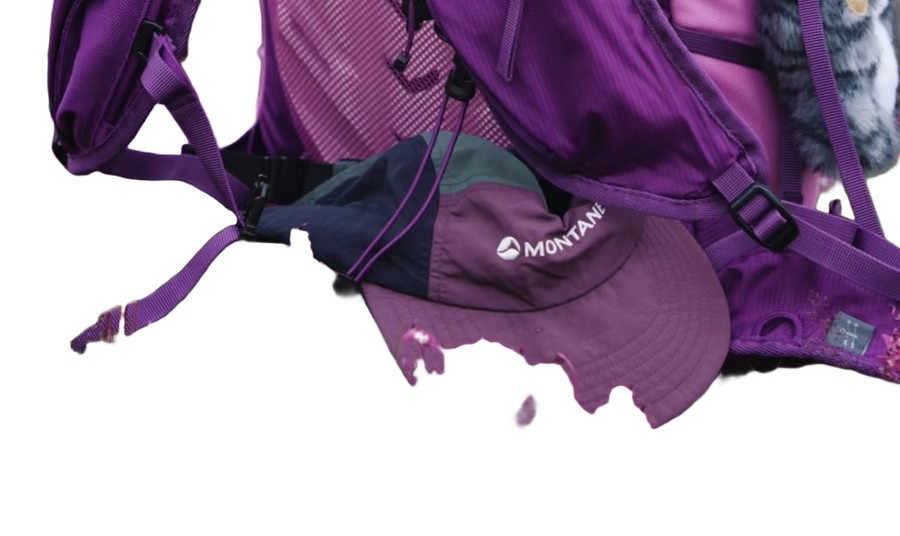
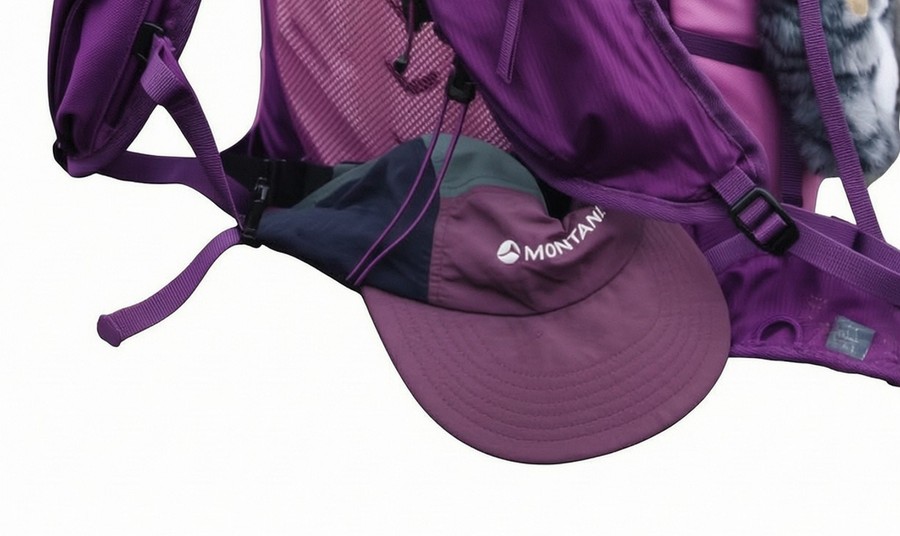
Look for missing material around thin straps and unwanted objects that touch the subject.
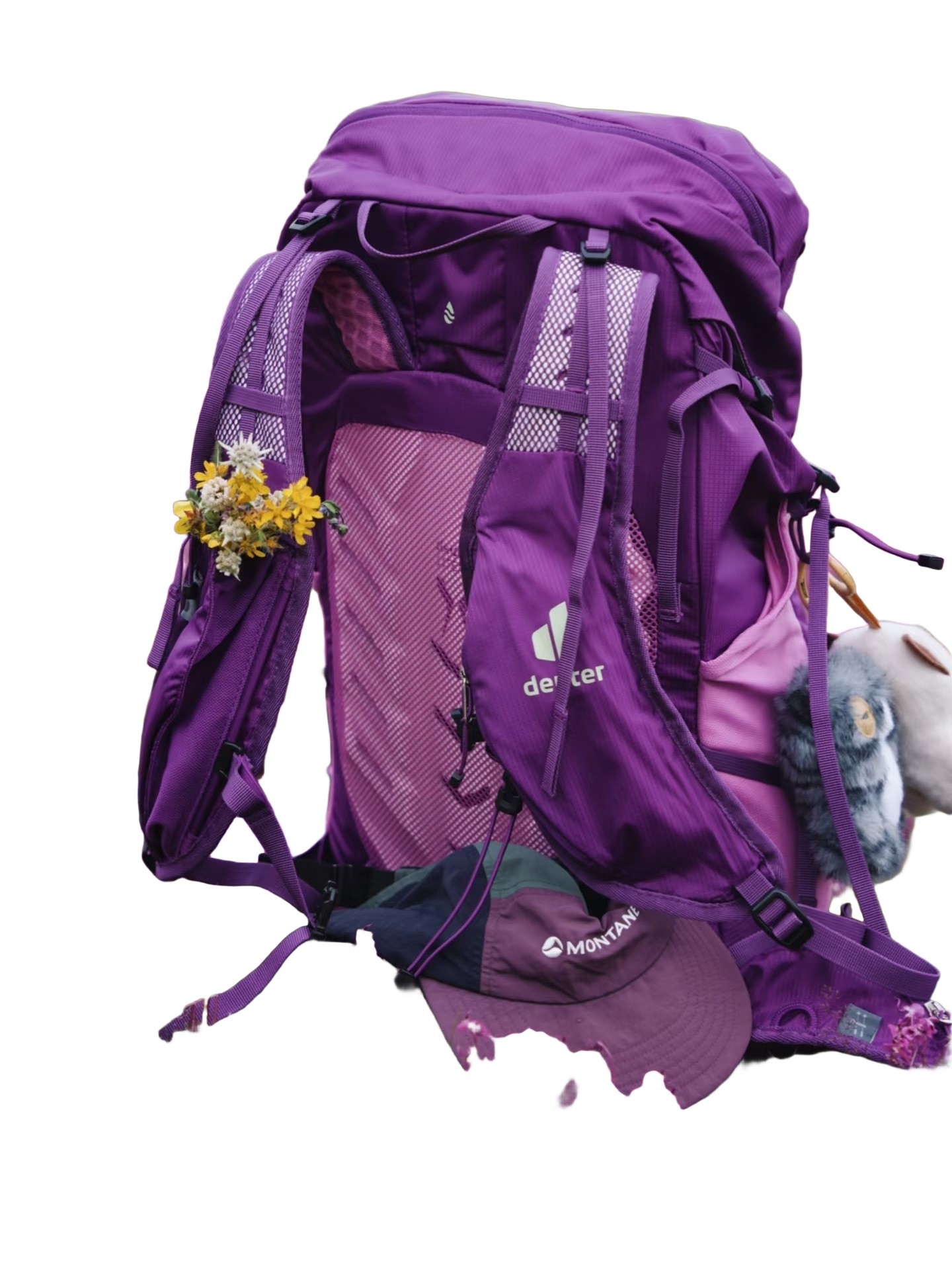
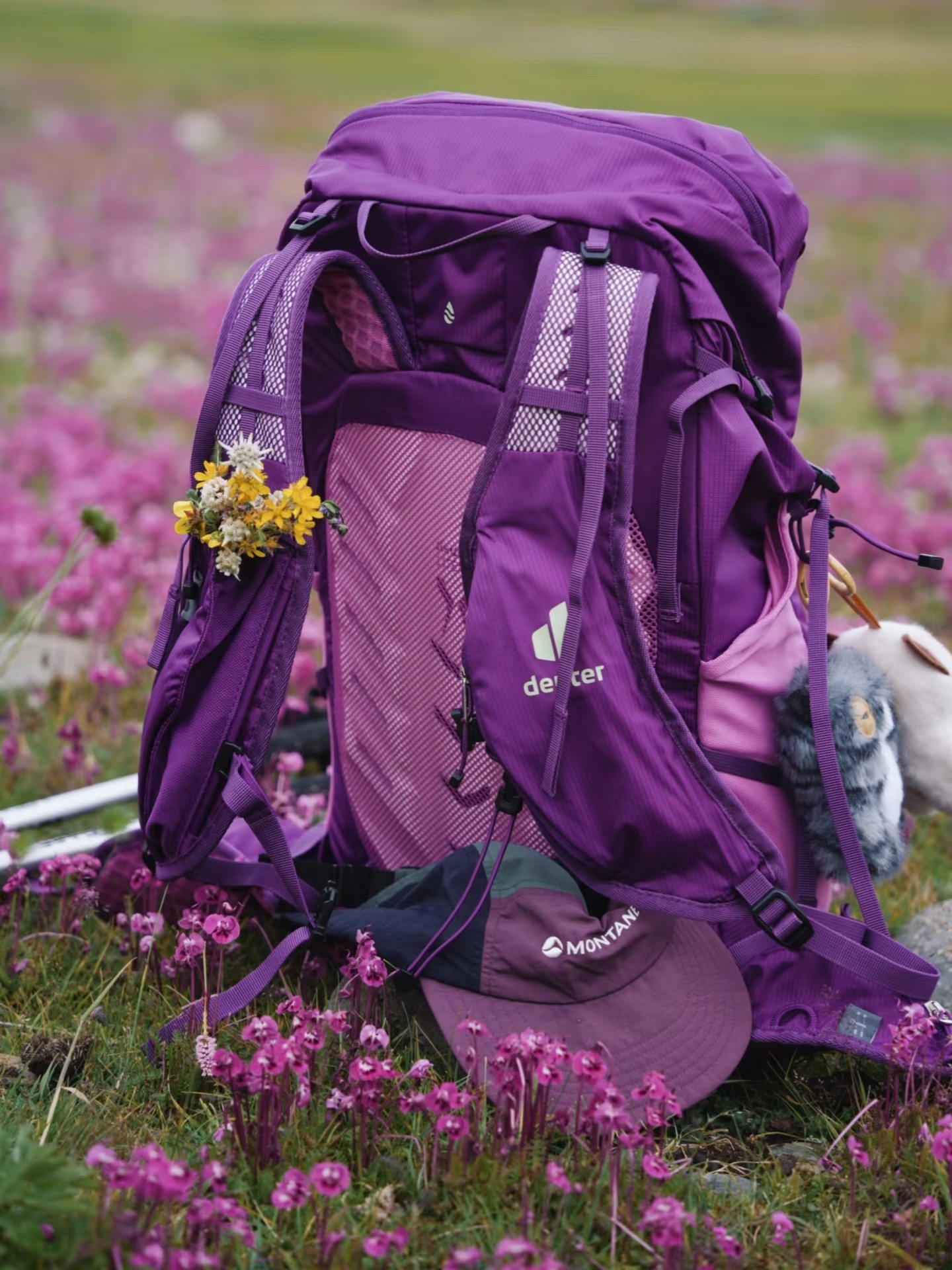
Bag · Standard mode
No manual retouching · Processed 2026-11-11 with Standard
Output: 1440 × 1920px · JPG · Original ratio
Needs correction: Standard leaves an irregular lower edge and retains some flowers and an adjacent object. The Quality result also retains objects beside the bag. Inspect straps, stitching and lettering before using either result.
Automotive: glass and reflections
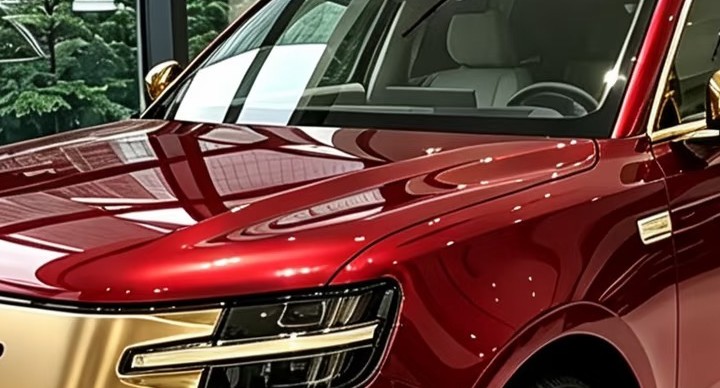
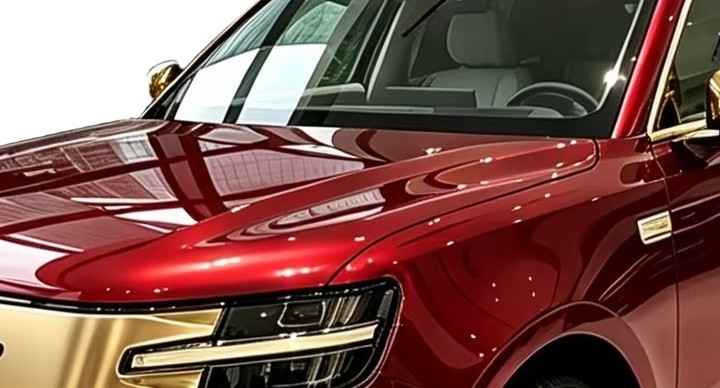
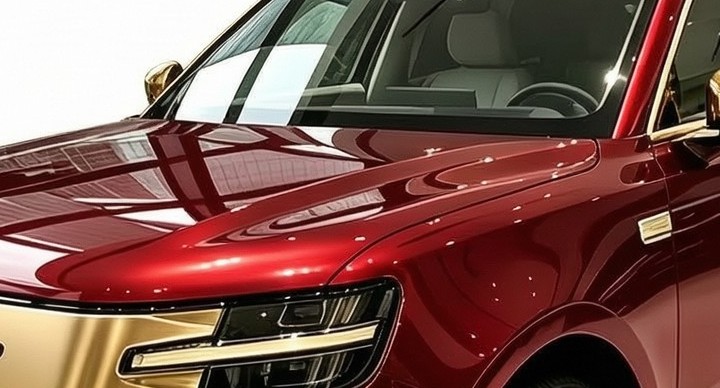
A clean exterior background can still leave showroom scenery reflected in or visible through windows.
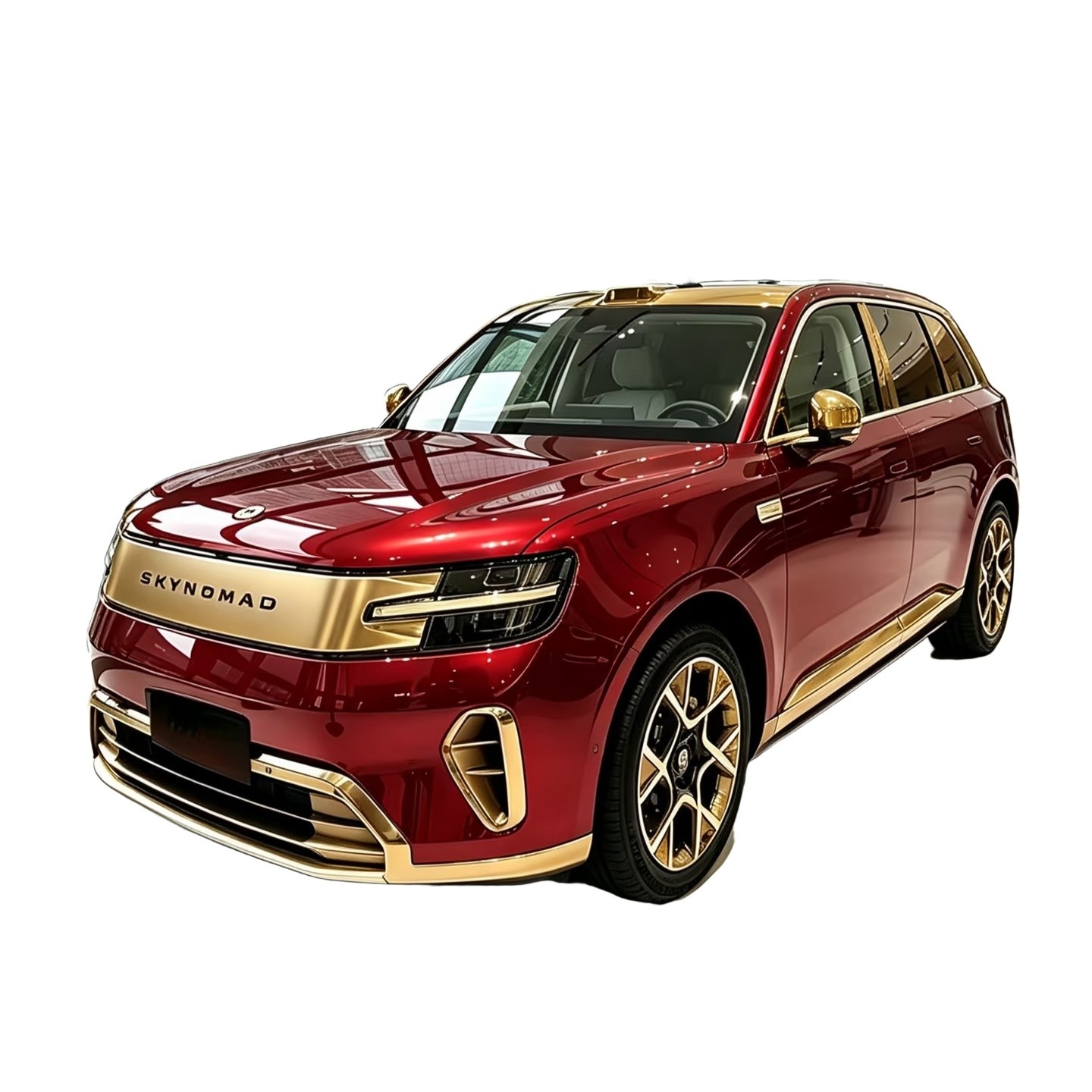
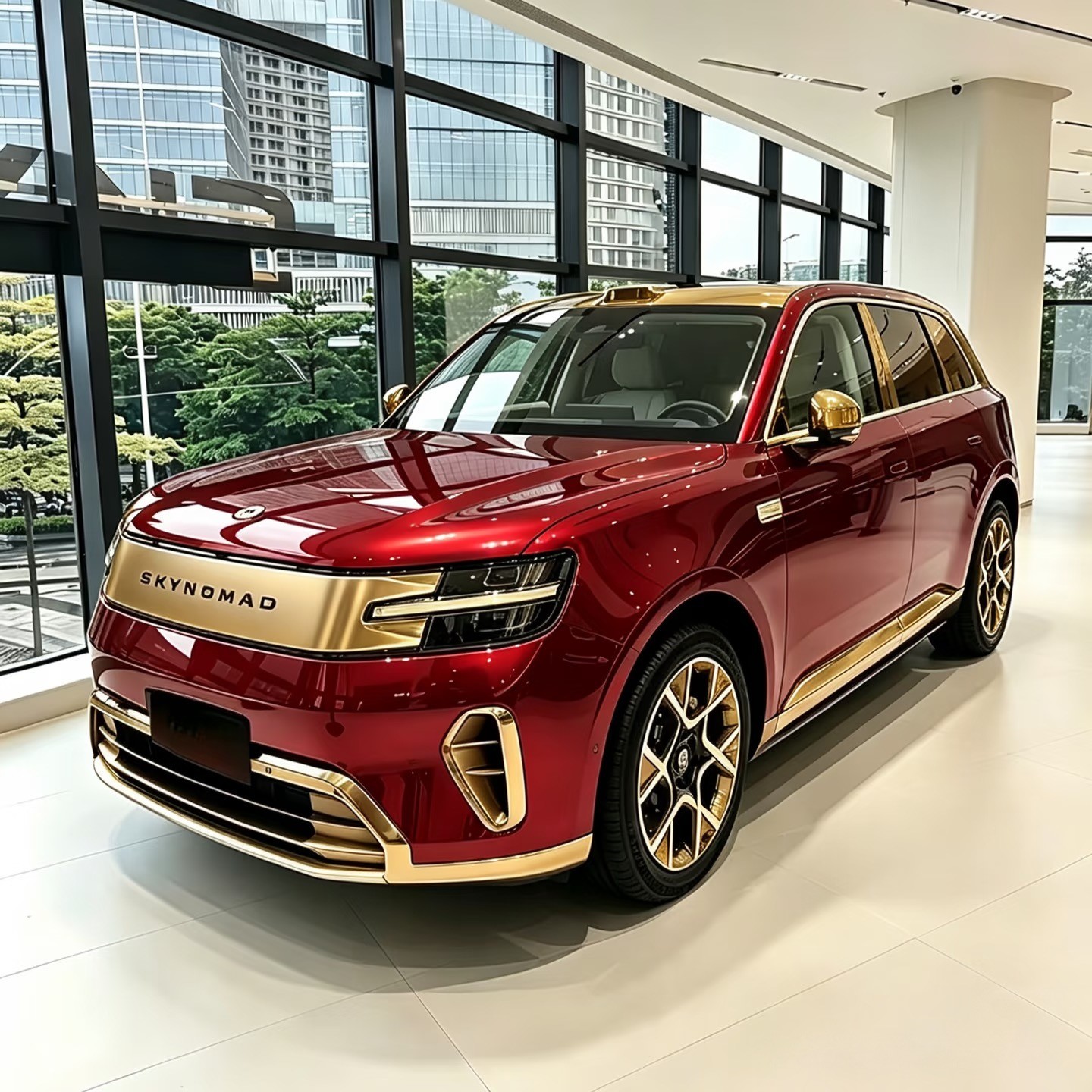
Car · Standard mode
No manual retouching · Processed 2026-11-11 with Standard
Output: 1440 × 1440px · JPG · Original ratio
Both examples retain parts of the showroom reflected in the windows. Replacing the exterior background does not remove every reflection. Inspect the windows, lettering and tires.
Portraits: hair and clothing
Inspect hair strands and clothing outlines before using a headshot or profile photo.
Portrait · Standard mode
No manual retouching · Processed 2026-11-11 with Standard
Output: 1440 × 1920px · JPG · Original ratio
Compare hair and clothing edges. This demonstrates background editing, not a certified passport or ID photo.
Demo photos are not customer testimonials or an accuracy benchmark. Results vary; check labels, colors and fine edges.
How these files were produced
Standard files were processed on 2026-11-11 using the same BiRefNet Lite-2K model and image-composition code as the Standard service. Processing ran locally on CPU, once per image, with white output and Original ratio. There was no manual retouching. The original demo input dates are not recorded.
Quality files are the previously published Quality examples, produced without manual retouching. Their generation dates and exact model revision were not recorded. They illustrate these particular results; they do not establish which mode is best on other photos.
All four Standard files exported successfully. The backpack still needs correction, and glass retains reflections. A completed processing job is different from a publishable image. Local processing times are not cloud speed guarantees.
| Demo input | Original | Standard | Quality |
|---|---|---|---|
| Clothes | 1440 × 1920px | 1440 × 1920px | 1440 × 1920px |
| Bag | 1440 × 1920px | 1440 × 1920px | 1440 × 1920px |
| Car | 1440 × 1440px | 1440 × 1440px | 1440 × 1440px |
| Portrait | 1440 × 1920px | 1440 × 1920px | 1440 × 1920px |
Standard run: 4 inputs; model, file dimensions and checksums are in the processing record.
Which mode should I try?
Removes the background without generating new product details. Check fine edges before publishing. Edits the background and may enhance the image. Compare labels, colors, textures and shapes with the original.
Download watermark-free previews up to 480px on the long side with no signup. Sign in to unlock 3 full-resolution Standard results per UTC day for free. This allowance applies to single images, not batches.
No signup · Preview up to 480px