Make Product Photo Backgrounds White
Pure white backgrounds (#FFFFFF) with marketplace presets.
Original ratio · HD up to 2048px
Free 480px preview · No signup. Sign in for 3 free HD unlocks/day; then 1 credit/image.
or drop a photo here
JPG, PNG, WebP · Max 10MB each
Batch up to 50 images · Credits required
Export details
Keep the original aspect ratio.
Standard automatically uses Lite for processed inputs up to 1024px and Lite-2K for larger inputs. Each image is processed once; larger images can take longer. Batch images are selected individually.
Choose white or transparent output. HD export: processed size, up to 2048px on the long side.
Standard: automatic background removal in the cloud.
Free, watermark-free downloads up to 480px with no signup. Sign in to unlock 3 full-resolution Standard results per UTC day for free (up to 2048px on the long side). Batch processing requires credits.
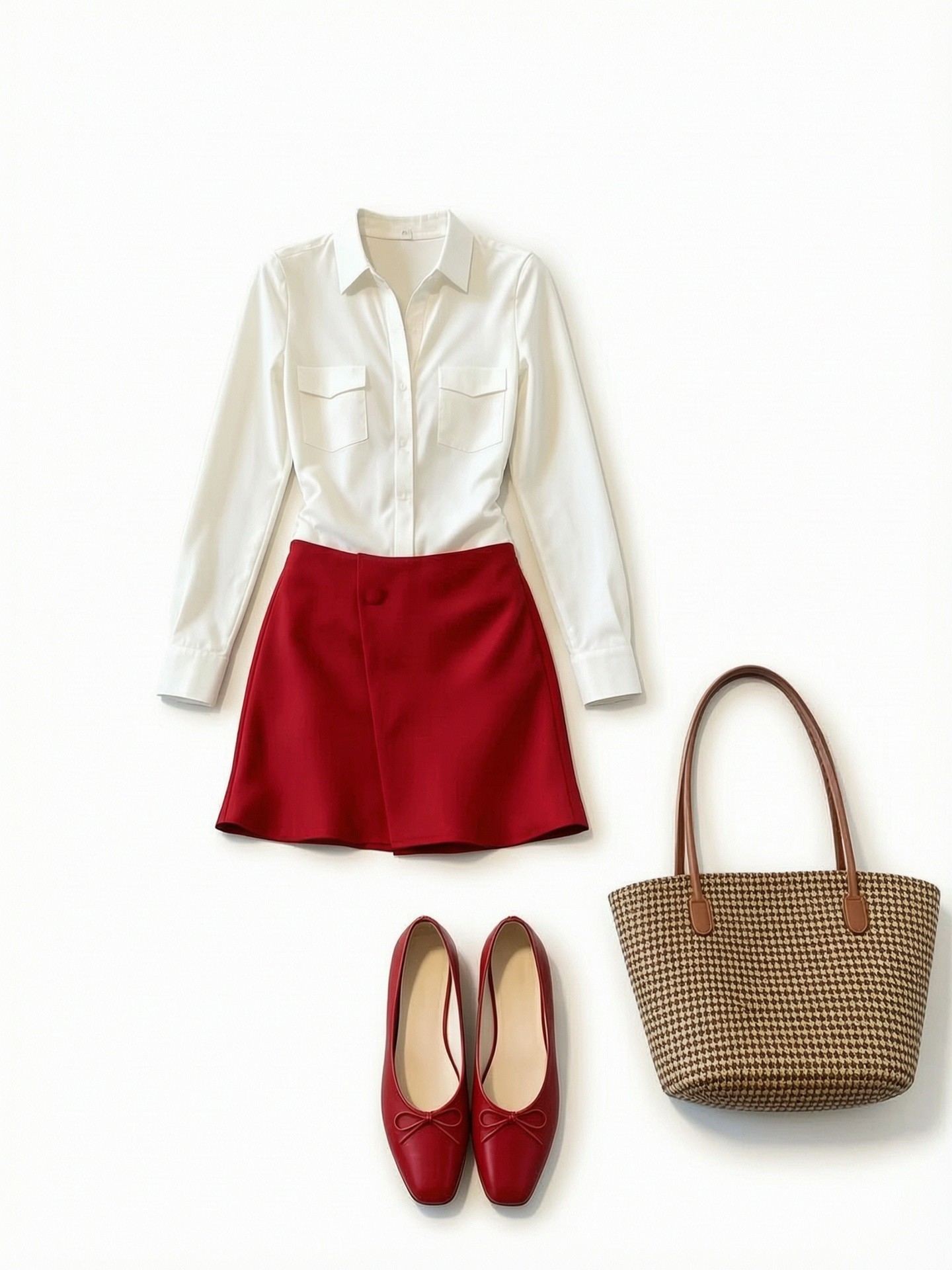
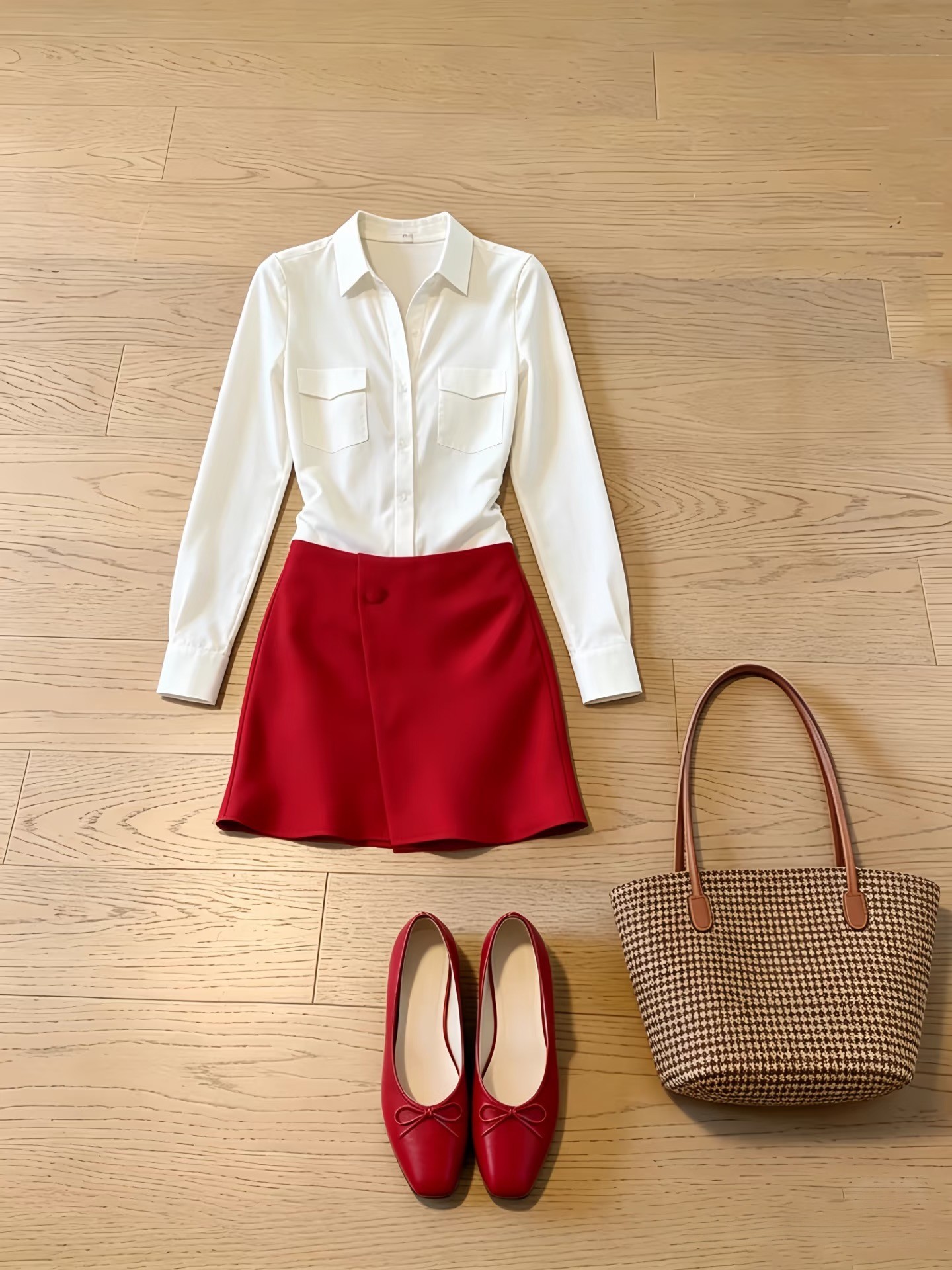
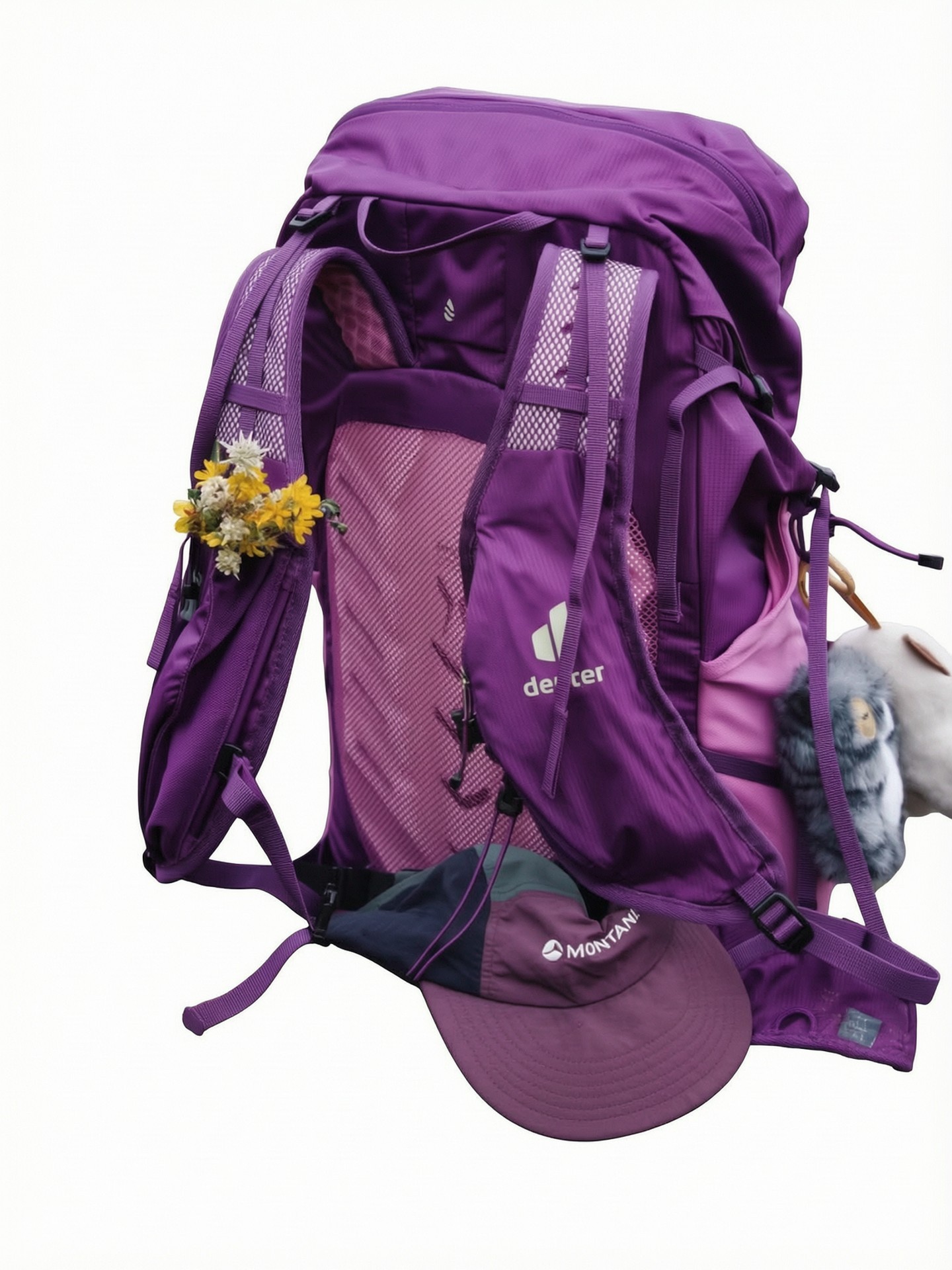
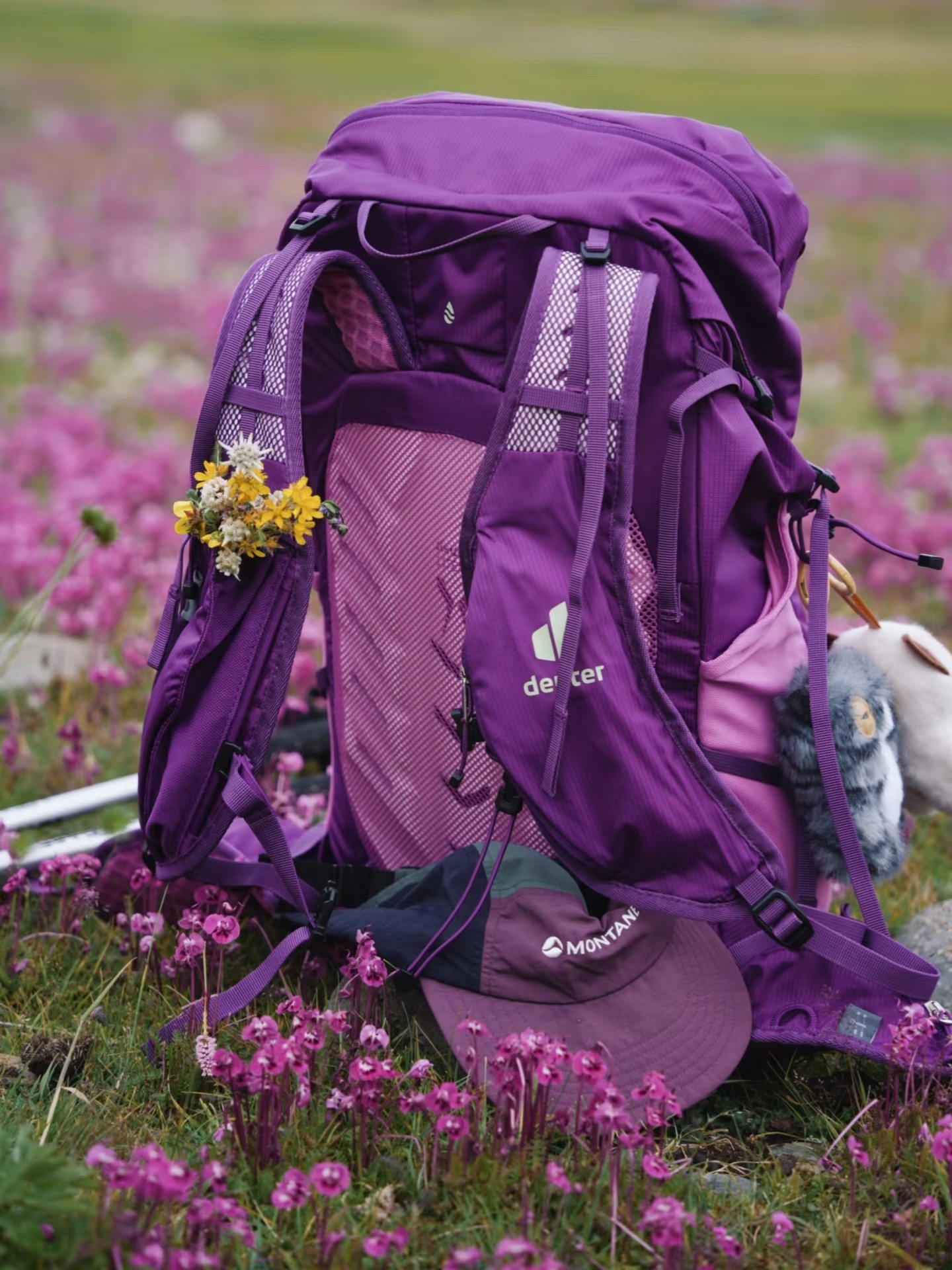
Product photo examples: before and after
These examples were produced in Quality mode without manual retouching. Drag a slider to compare. Results vary by photo; inspect labels, color and fine edges before using an output.
Product Photos
Choose a platform, then check the export
Original keeps your photo's aspect ratio. Amazon, eBay, Shopify and Etsy additional photos offer optional square exports. TikTok Shop US and Walmart US require square output for the main-image presets offered here. Platform presets export white JPG; they guide the edit and check file properties, while you review the product and listing rules.
Walmart US uses a 2200 × 2200px canvas. Quality generates at 2048 × 2048px and enlarges that export; Standard may enlarge a small source subject to fit. The added pixels do not prove more real detail.
Choose a mode for your product photo
Standard: start with background removal
Standard keeps the source subject and uses background removal plus canvas placement for a selected preset. It preserves all visible components rather than generating new product detail. Check fine edges and white-on-white areas; a cutout is not a guarantee of pixel-perfect preservation.
1 credit per paid image (after 3 free daily unlocks).
Quality: try enhancement, then verify
A selected preset supplies background and composition instructions to AI editing. Compare the output with the original; the instructions do not prove the product was preserved.
With a platform preset, Quality uses one AI edit for the background and composition. Its instructions target text placed only on the background, preserve text printed on the product, and avoid reconstructing hidden detail. Overlays covering the product may remain. AI editing may change labels, colors, textures or shapes. Compare labels, colors, edges and included accessories with the original before publishing. Only edit images you own or have permission to edit.
3 credits per full-resolution image.
How to make a product photo background white
- 1
Choose a target and upload
Start with Original to keep the source ratio, or choose a platform and image slot. Platform presets export white JPG; some offer an optional square canvas. Upload a JPG, PNG or WebP up to 10 MB that you own or have permission to edit.
- 2
Choose a processing mode
Standard keeps the source subject and arranges it on the preset canvas after background removal. Quality uses AI background editing and the preset's composition instructions; it may change product details.
- 3
Inspect, then download
Use Original / Result to compare labels, colors and edges. Download a free preview up to 480px, or unlock the processed HD file. Results show the actual downloadable dimensions, format, size and any file warnings.
Check before publishing
- Zoom in on brand names, packaging text, colors and product shape. Compare them with the original.
- Inspect white-on-white edges, thin straps, transparent containers and reflections. These are difficult cases, not guaranteed strengths.
- Check the exported background and pixel dimensions, not just the on-page preview.
- Verify your platform's rules for product framing, backgrounds, overlays and the specific image slot.
Official guidance: Amazon product image requirements (seller sign-in may be required), and Etsy image requirements and best practices. Rules differ; a white background alone does not guarantee approval.
Product photo white background FAQ
What makes a product photo background pure white?
Pure white is RGB 255, 255, 255 (#FFFFFF), without a gray, blue or yellow cast. CleanWhiteBG's white output is intended to replace the background, not just make it transparent. Inspect the exported file: fine edges, remaining shadows or generative artifacts can still need correction.
Which platform presets can I choose?
Amazon main image, eBay product photo, Shopify product photo, Etsy additional photos, TikTok Shop US main image and Walmart US main image. Original keeps the existing white or transparent workflow. Platform presets export white JPG, even where a white background is optional under the platform's rules. Etsy white-background exports are additional photos; keep a real-background, unedited photo in the listing.
Will every preset turn my photo into a square?
TikTok Shop US and Walmart US require square output in these main-image presets. Amazon, eBay, Shopify and Etsy keep the original ratio by default; square is optional. These are export presets for the named market and image slot, and do not cover every category or other countries' rules.
How does the Walmart US 2200px export work?
Quality generates at 2048 × 2048px, then enlarges the export to 2200 × 2200px. Standard places the source subject on a 2200 × 2200px canvas and may enlarge small sources. A larger canvas does not restore source detail. The tool warns before upload and in the result; inspect the image and current Walmart guidance before publishing.
Does a preset establish marketplace compliance?
Presets guide the background, canvas and export file. File checks cover actual dimensions, format and size when listed; they do not verify the background visually, product fidelity, text, included items or category rules. Requirements differ by platform, category and image placement. Check the platform's current official guidance and inspect your final export. We do not certify or guarantee listing approval.
Will Quality preserve labels and product details exactly?
With a platform preset, Quality uses one AI edit for the background and composition. Its instructions target text placed only on the background, preserve text printed on the product, and avoid reconstructing hidden detail. Overlays covering the product may remain. AI editing may change labels, colors, textures or shapes. Compare labels, colors, edges and included accessories with the original before publishing. Only edit images you own or have permission to edit.
What do I get for free, and what does full resolution mean?
Download watermark-free previews up to 480px on the long side with no signup. Sign in to unlock 3 full-resolution Standard results per UTC day for free. This allowance applies to single images, not batches. After the daily Standard unlock allowance, a Standard full-resolution unlock costs 1 credit. Quality full-resolution processing or unlocking costs 3 credits; up to 10 Quality previews per UTC day are available on the free processing path. Batch processing always requires sign-in and credits. Original and original-ratio exports stay within the 2048px mode limit. Optional square and TikTok Shop US HD exports use 2048 × 2048px; Walmart US uses a 2200 × 2200px canvas with the enlargement limit explained above. Free previews remain limited to 480px and may not meet a platform's image dimensions. White results are JPG; transparent PNG is available with Original.
How are my product photos processed and stored?
We temporarily store images on Cloudflare to process your request. Standard runs on our Cloudflare-hosted service; Quality also sends your image to Alibaba Cloud's DashScope service. We do not sell your images or use them to train our own AI models. Third-party processing is subject to the provider's terms. Original uploads and working previews are scheduled for cleanup after 2 hours from task creation. Downloadable results, including free downloads and locked full-resolution copies, are scheduled for cleanup after 7 days, or earlier after a full-resolution download is reported. Cleanup is periodic, not instant; save a local copy of any result you need.
Processing a catalog? Use the bulk white background remover. See pricing and free limits or our privacy policy.